Digital

Purposeful use of technologies instead of screen time

This presentation was aimed to provide guidelines to state schools in Malta (and therefore I used my organisation name and branding). . Here are the key takeaways from one of the presentations :
(a) Purposeful Use Over Passive Viewing: Passive screen time, especially during breaks, is discouraged. The goal is to build meaningful digital literacy and connect learning between home and school.
(b). Protecting Children’s Digital Identity: Prioritising child safety, privacy, and long-term wellbeing is paramount. Adults should avoid creating lasting online records, limit public data, and normalise privacy-first practices.
(c). Three Core Actions: Protect (safeguarding privacy), Educate (modelling responsible digital citizenship), and Inspire (encouraging child-centered digital strategies across schools and families).
(d). Utilising Official Tools: Students in Years 4–9 are equipped with 2-in-1 Windows devices with endpoint filtering. Safe single sign-on (iLearn) tools include Microsoft 365, Adobe Express, Canva for Education, Genially, Padlet, Kahoot!, and Book Creator.
(e). Strict AI & Data Privacy Rules: Generative AI tools (e.g., ChatGPT, Suno.ai, Gamma.app) may only be used by educators to create resources. No student data or identifying details may ever be entered into these tools.
(f). Unplugged Computational Thinking: Offline activities, such as following recipes, movement games, and paper-based exercises, teach algorithms, decomposition, and AI prompt logic without any screen time.
(g). Safer Digital Spaces: Some games like Roblox are blocked on 2-in-1 devices. Students cannot independently create Teams chat groups.
(h). GDPR & Student Data Protection: Microsoft 365 for education usage is fully GDPR-compliant. Data is strictly processed for education with minimal identifiers retained.
Let’s prepare children for the digital future within a safe and supportive environment! 

AI is already becoming part of how our students learn.
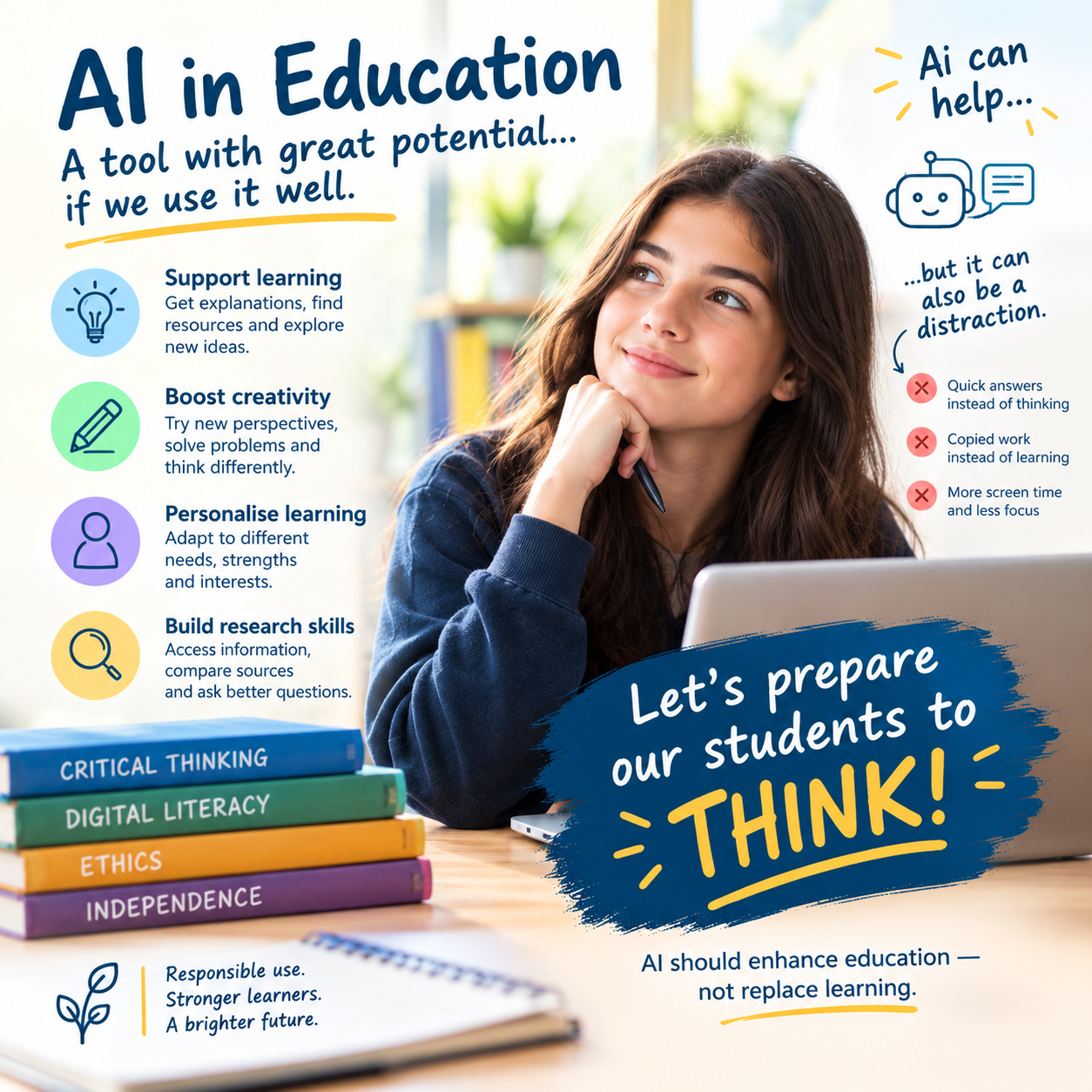
As Artificial Intelligence becomes increasingly present in education, our responsibility goes beyond simply teaching students how to use it. We need to equip them with the skills to use AI intelligently, responsibly and ethically.
 AI can support creativity, research, personalised learning and problem-solving — but it should enhance learning, not replace thinking.
Our focus must be on AI literacy: encouraging students to question, verify information, recognise limitations and, most importantly, continue developing their own critical-thinking skills.
The latest OECD PISA results show that Maltese students are among the frequent users of AI chatbots for schoolwork. This presents both an opportunity and a responsibility for education.”
The future is not just about using AI. It’s about preparing our students to think, create and make informed decisions in an AI-powered world. 

Using Adobe Express

📢 For students attending state schools in Malta:
State school students can access Adobe Express for Education through their ilearn account.
However …. All schools are encouraged to register for Adobe Express for Education so that both educators and students can enjoy the same benefits by signing in with their school accounts. Internet Safety is a priority.
Using Microsoft Sway

Encourage children and young adults to do more than watch videos or play games. Encourage them to explore, create and learn with Microsoft Sway, a simple yet powerful tool that transforms ideas into engaging presentations, stories and digital projects while developing essential skills for the future.
Download M365 on your personal laptop

All teachers and students in Malta are entitled to download and install Microsoft 365 free of charge on their personal devices